
One set of numbers across your store, ERP and warehouse
We connect the systems your business runs on, so an order placed online shows up in the ERP, the warehouse ships it and finance sees the invoice, without anyone retyping it. Every flow is logged, retried and alerted, because the day an integration fails quietly is the day stock goes wrong.
- NetSuite, SAP, Dynamics and more
- Every failed sync caught and replayable
- Documented flows you can hand to anyone
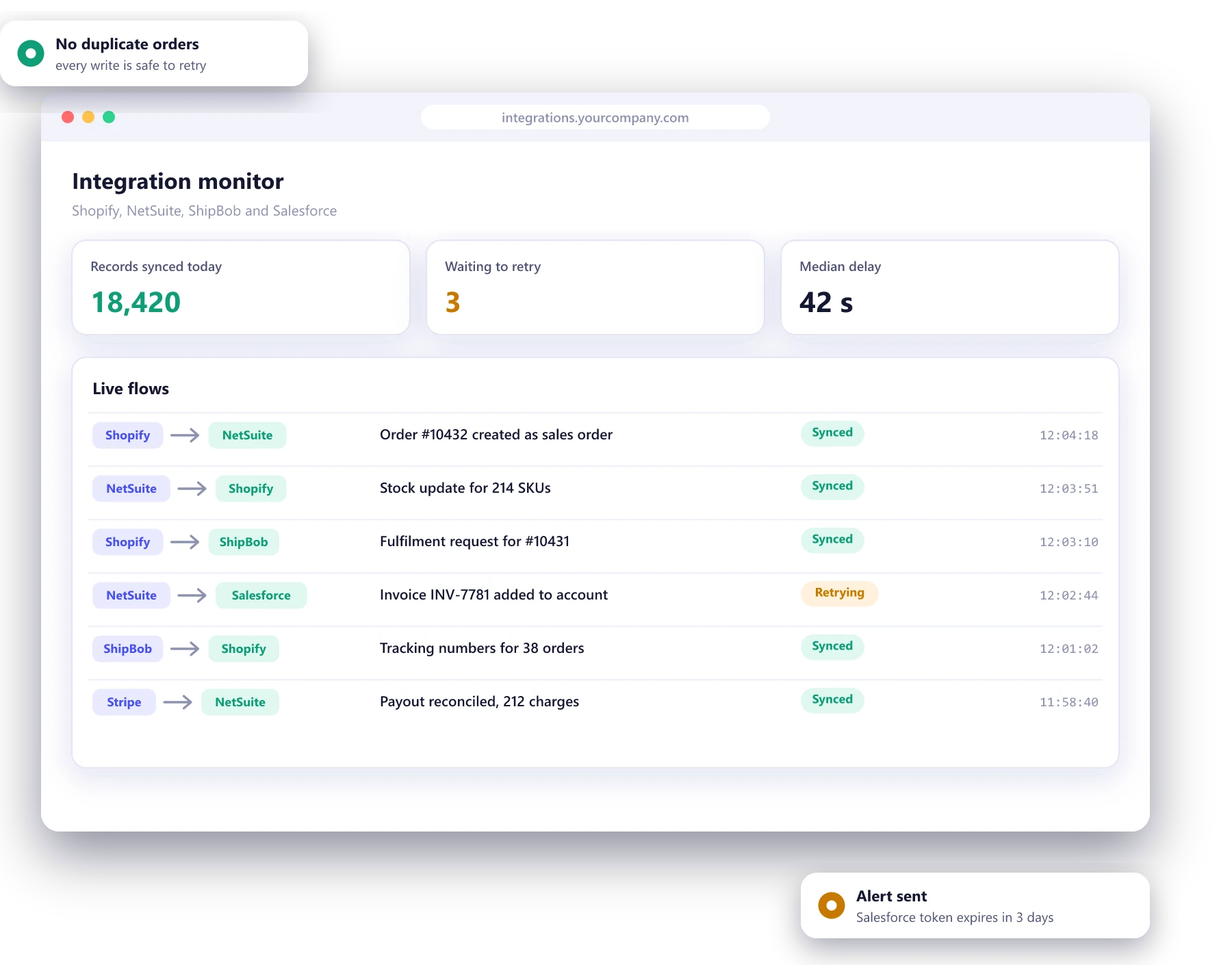
Signs your systems are not talking to each other
Someone retypes orders
Orders are exported from the store and keyed into the ERP by hand, and mistakes show up as wrong shipments and angry emails.
Stock is never quite right
The website sells items the warehouse ran out of yesterday, or hides items that arrived this morning.
Month-end takes a week
Finance reconciles payouts, refunds and invoices across three systems before anyone trusts the numbers.
Integrations fail silently
A sync stopped working on Tuesday and nobody noticed until Friday, when a customer asked where their order was.
The flows most businesses need
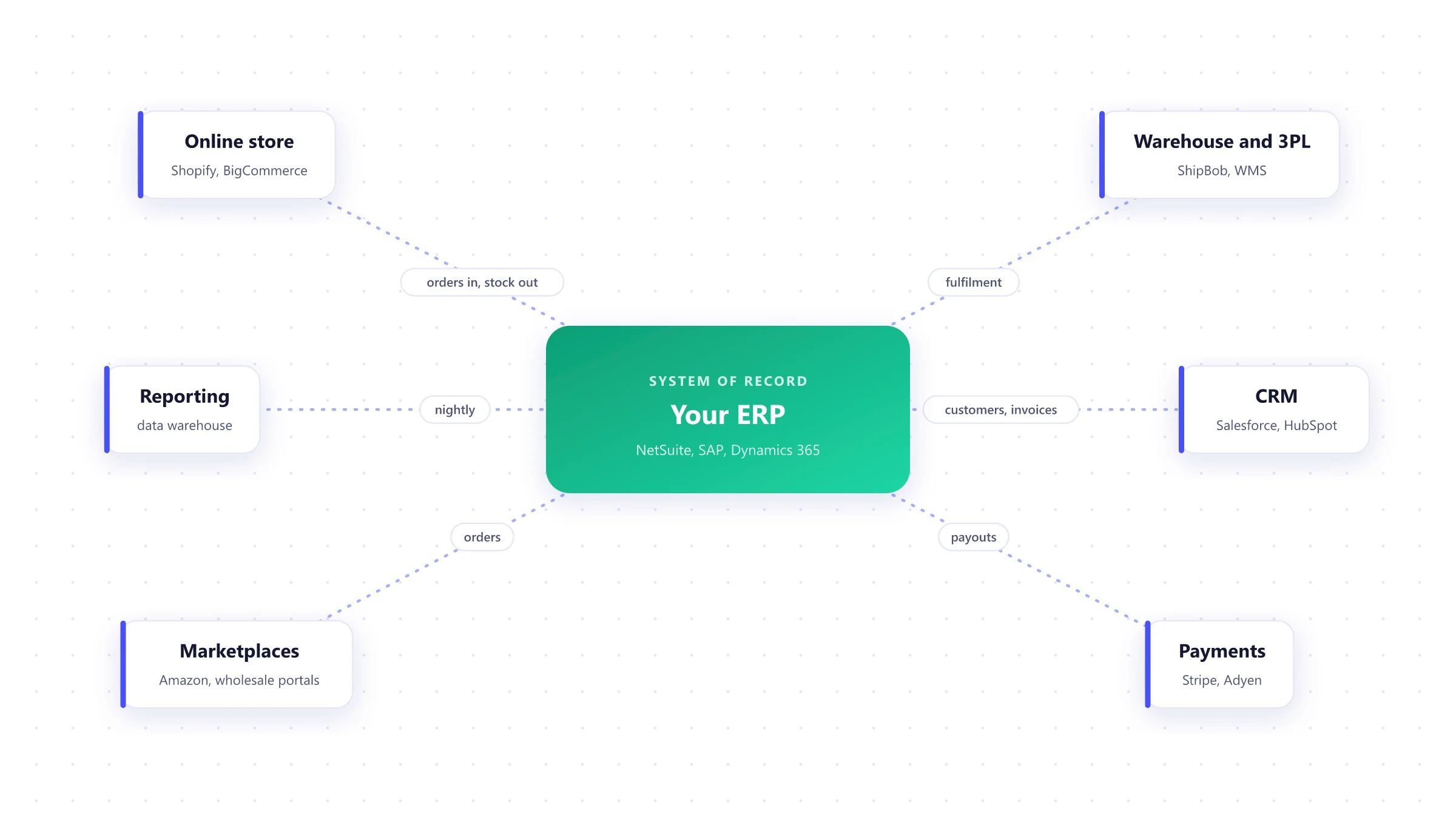
Your ERP is usually the system of record. We connect the store, warehouse, CRM, payments and marketplaces around it, and agree for each piece of data which system owns it.
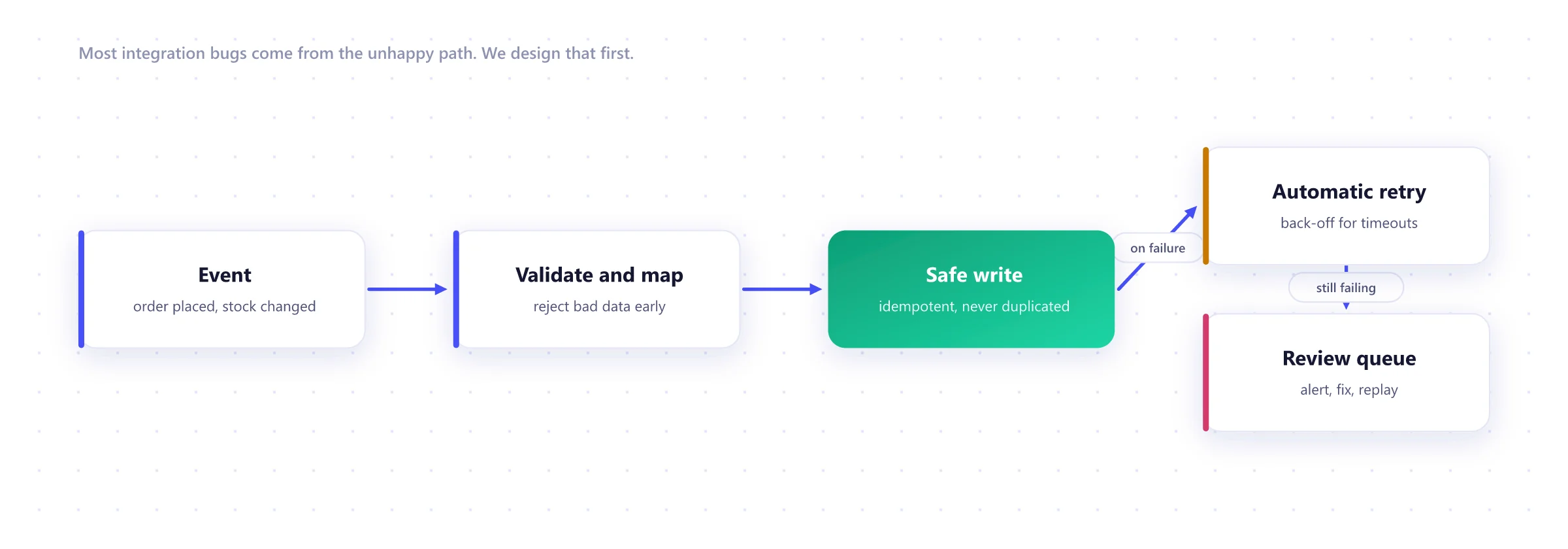
What makes an integration reliable
Moving data when everything works is easy. The design effort goes into timeouts, duplicates, half-finished writes and expired credentials, so none of them turn into a wrong order.
Map
1 to 3 weeksEvery flow, field and owner written down, including what happens to refunds, splits and edits.
Design
1 to 2 weeksChoice of iPaaS or custom code per flow, error handling and monitoring agreed.
Build
3 to 8 weeksFlows built and tested against sandbox copies of your real systems.
Parallel run
1 to 2 weeksNew flows run alongside the old process and the results are compared line by line.
Monitor
OngoingDashboards, alerts and a monthly review of failures and slow flows.
Integration work

Simmons, selling direct for the first time
After 150 years of selling through retailers, a direct-to-consumer store on Shopify Plus connected to the ERP behind every Serta Simmons brand.
Read the case study →
Three shoe stores moved off Magento
Three Novus Group stores replatformed from Magento to Shopify Plus, with a new SAP connection and a fresh design for each brand.
Read the case study →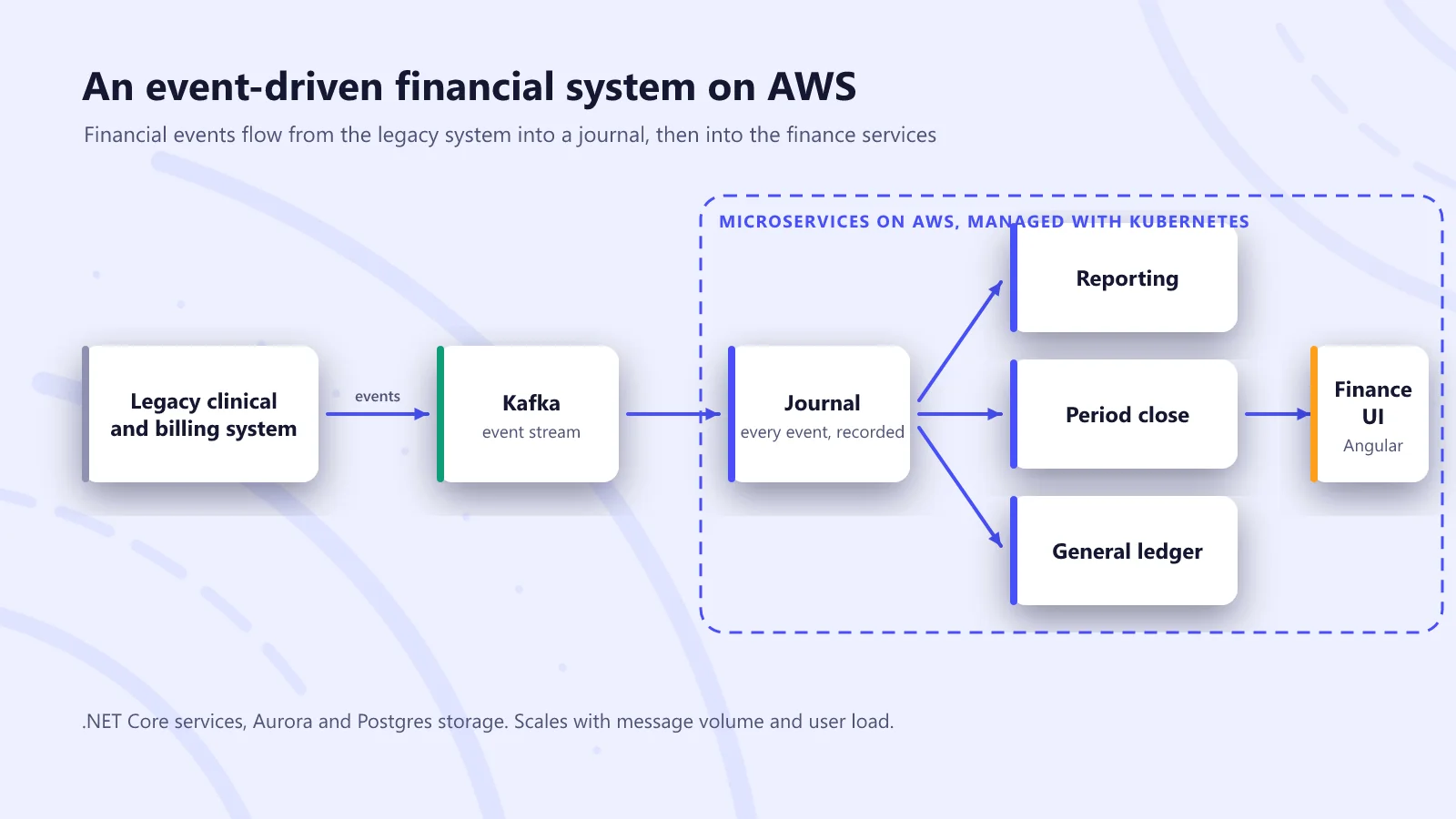
A financial system rebuilt for new CMS payment rules
An event-driven finance platform for a home health and hospice provider, delivered to a fixed regulatory deadline while the rules were still being clarified.
Read the case study →Systems and tools we integrate
ERP
- NetSuite
- SAP Business One
- SAP S/4HANA
- Dynamics 365
- Acumatica
Commerce
- Shopify Plus
- BigCommerce
- Amazon
- Stripe
CRM and finance
- Salesforce
- HubSpot
- QuickBooks
- Xero
Integration platforms
- Celigo
- Boomi
- MuleSoft
- Make
Custom middleware
- Node.js
- Python
- .NET
- AWS Lambda
Messaging
- Kafka
- RabbitMQ
- Amazon SQS
- Webhooks
ERP integration FAQ
Which ERPs do you integrate with?
Most often NetSuite, SAP (Business One and S/4HANA), Microsoft Dynamics 365 and Acumatica, alongside Shopify, BigCommerce, Salesforce, HubSpot, 3PLs and payment providers. If a system has an API, a database we can read safely or a file export, we can usually connect it.
Should we use an integration platform or custom code?
Both have a place. An iPaaS such as Celigo, Boomi or Make is quicker for standard flows between common systems. Custom middleware is better when the logic is unusual, the volume is high or you want to avoid another subscription. We often mix them, and we will recommend one per flow.
What happens when a sync fails?
Every flow logs what it sent and received. Failures are retried automatically with a back-off, duplicates are prevented, and anything that still fails lands in a queue with an alert to the right person, who can fix and replay it.
How long does an ERP integration take?
A single well-understood flow, such as orders into NetSuite, can take a few weeks. A full set of orders, stock, prices, customers and invoices across several systems usually takes two to four months, most of it spent on mapping and testing edge cases.
Why do integrations cost more than people expect?
Because the hard part is agreeing what the data means in each system, not moving it. Our article on why connecting two systems costs more than building one explains where the effort goes.
Can you take over integrations another team built?
Yes. We audit the existing flows, add logging and alerts where they are missing, fix the failures that keep recurring and document what each flow does.
Worth reading before you start
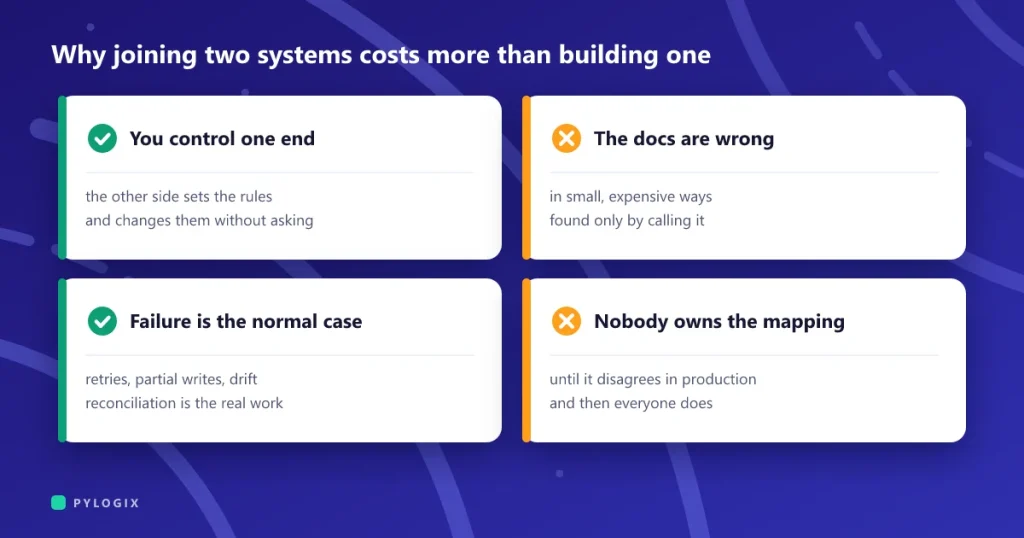 Why connecting two systems costs more than building one
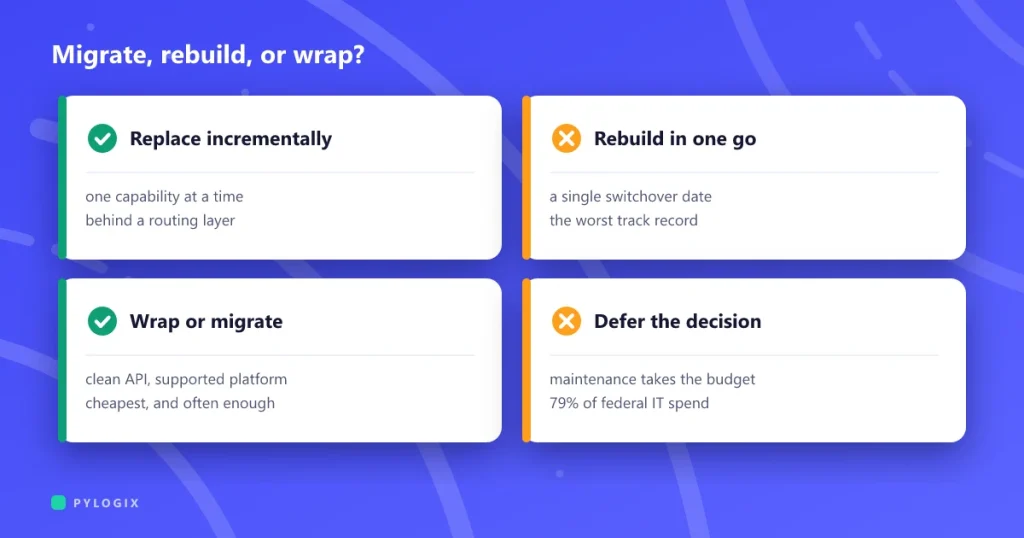 Legacy system modernization without a big-bang rewrite
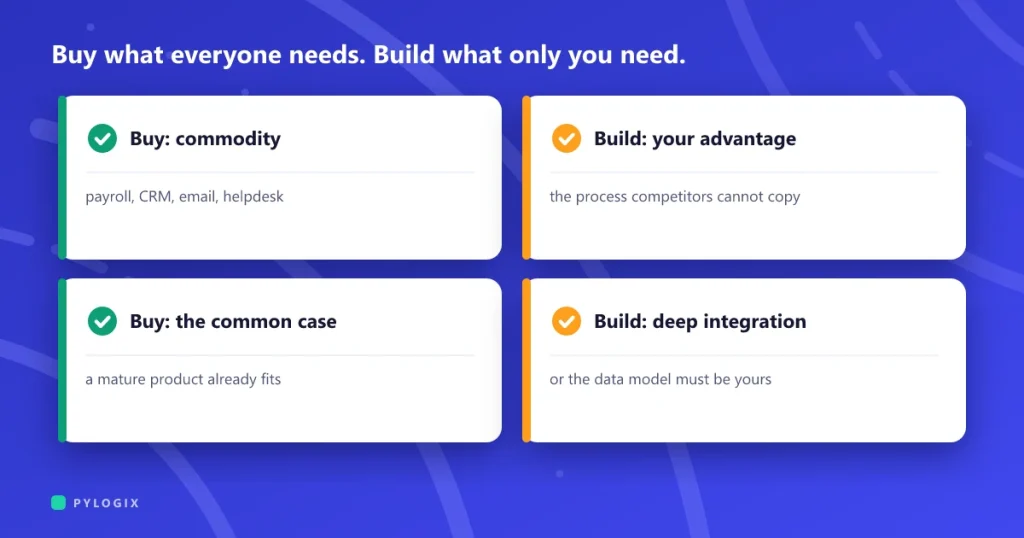 Build or buy: when custom software pays off
Tell us which systems need to talk
List the systems and the data that moves between them today, even if it moves by hand. We will map it, point out the risky flows and suggest where to start.